Inventory icons in series
Choose one of eight styles and sizes from 100 to 512 pixels. Copy the matching snippet for ox_inventory or qb-core along the way.
VelonLabs
FIVEM / Asset Generator
Fifty inventory icons in one style, a tattoo design, a graphic for the next livery: Asset Generator creates images for exactly the places FiveM servers need them. Each asset type has its own styles, and results go straight into the matching editor.

YOUR PROJECT
Choose one of eight styles and sizes from 100 to 512 pixels. Copy the matching snippet for ox_inventory or qb-core along the way.
Generate artwork in six styles and send it to Tattoo Creator.
Create patterns, crests and graphics for vehicle wraps and use them in the Texture Workbench.
Generate clothing patterns and seamless textures for props and surfaces.
Asset Generator also runs next to the NUI Builder so icons and backgrounds land directly in the menu.
STEP BY STEP
Sign in with your VelonLabs account to use the editor. Saved projects and credit balance belong to your shared account.
Inventory item, tattoo, livery, clothing or texture.
Set motif, style and size; you see the price first.
Check resolution, transparency and style.
Download, copy the snippet or send it to the matching editor.
RESULT
Inventory icons from 100 to 512 pixels.
For ox_inventory and qb-core.
Hand-off to the Texture Workbench, Tattoo Creator or NUI Builder.
FAQ / Asset Generator
ox_inventory and qb-core.
Yes, inventory icons are meant for transparent backgrounds. Check the edges in your inventory.
The price is shown before you start.
In the Texture Workbench of every editor, in Tattoo Creator, in the NUI Builder or as a downloaded file.
WORKS WELL WITH
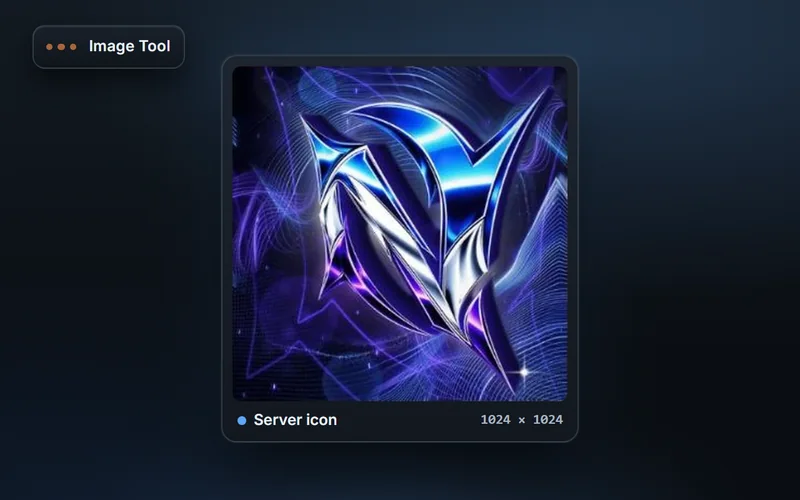
Design FiveM graphics in layers: flyers, Discord announcements, server list and store images from templates, with AI images and hand-off to other editors.
Explore features & workflow →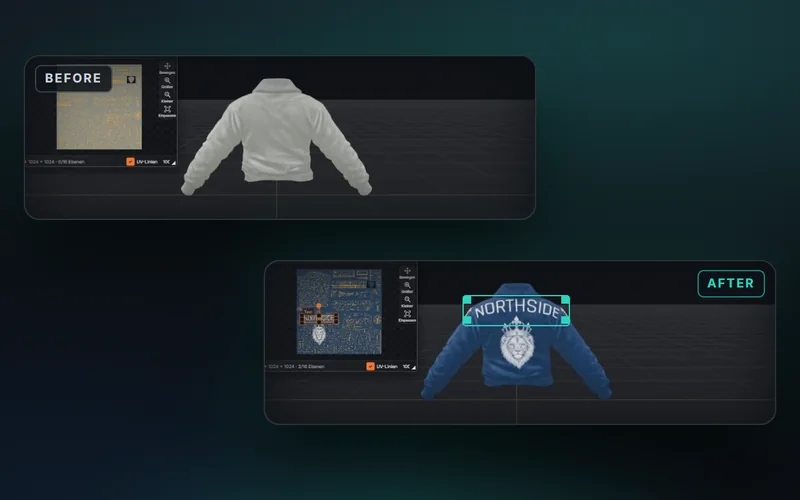
The Texture Workbench for vehicles, clothing and PEDs: layers, text, images, brushes, masks, warp, mirroring and placing artwork right on the 3D model.
Explore features & workflow →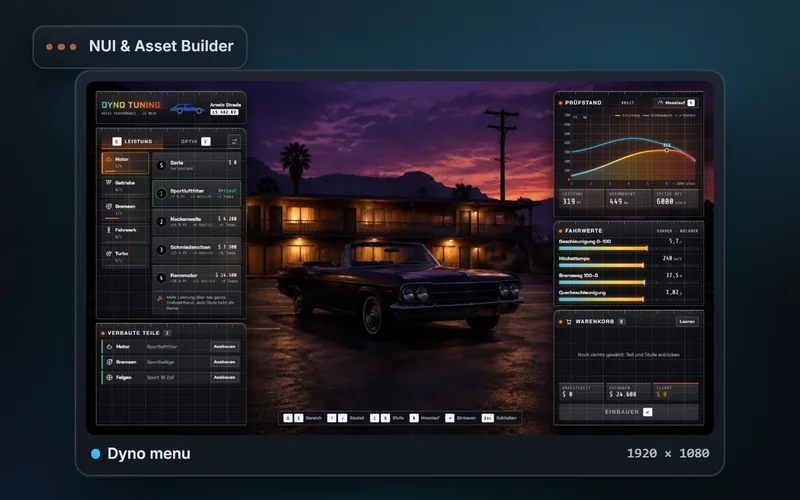
Design FiveM NUIs from templates or your own files: layers, building blocks, animations, an interactive preview with simulated callbacks and ZIP export.
Explore features & workflow →