Templates for community graphics
Start with design templates for flyers, announcements, wallpapers, websites, the server list, Discord, shops, social media and in-game graphics.
VelonLabs
FIVEM / Image Tool
A launch flyer, a Discord announcement, an image for the server list or the store: the Image Tool offers templates for typical community graphics, layers for text, colors and images, and an AI image generator. Finished artwork goes out as PNG or straight into a texture in your editors.

IMAGE TOOL / TEMPLATES
Real templates from the Image Tool for Discord, FiveM, Tebex, social media and wallpapers. Start from a template or a prompt, then set the name, colours and texts.
YOUR PROJECT
Start with design templates for flyers, announcements, wallpapers, websites, the server list, Discord, shops, social media and in-game graphics.
Combine text, color fills and images and arrange them freely on the canvas.
Generate backgrounds or motifs from a description and add them as a layer.
Save colors and type as your server style. NUI Builder, AI chat and Agent Mode can use it later.
Take your logo from the Logo & Banner Creator and build graphics around it.
Send artwork as a layer into a vehicle or clothing texture, or as a file into a NUI.
STEP BY STEP
Sign in with your VelonLabs account to use the editor. Saved projects and credit balance belong to your shared account.
Find a template by purpose or start empty.
Combine text, colors, your images and AI images.
Review framing, legibility and transparency.
Download as PNG or send it to an editor.
RESULT
Graphics with transparency.
Hand-off to vehicle or clothing textures.
Hand-off to the NUI Builder.
Colors and type for AI chat, Agent Mode and NUI.
FAQ / Image Tool
The Logo & Banner Creator builds logos and animated banners with 3D materials. The Image Tool designs static graphics in layers. Both share one session.
Yes. “Send to editor” adds the artwork as a layer to a saved texture.
Editing is free. AI images show their price before they start.
Yes, alongside templates for the server list, store, social media and in-game graphics.
WORKS WELL WITH
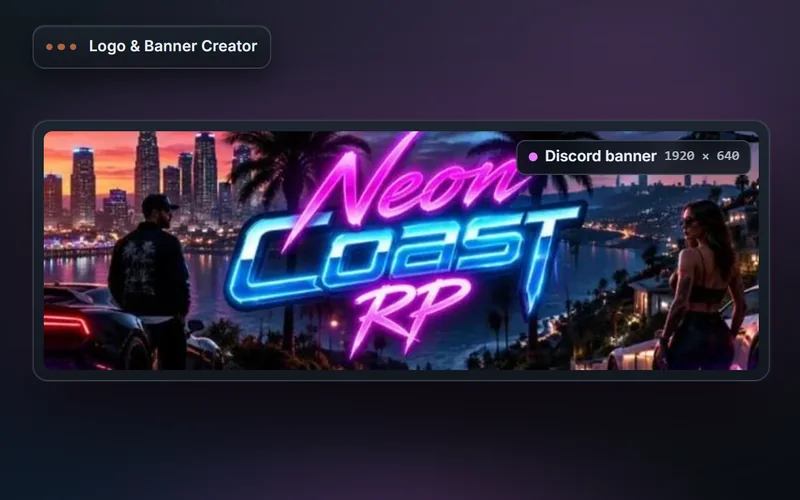
Design server logos and animated banners for Discord, the FiveM server list and TeamSpeak: 3D materials, stage lighting, timeline animation, export as PNG, GIF or MP4.
Explore features & workflow →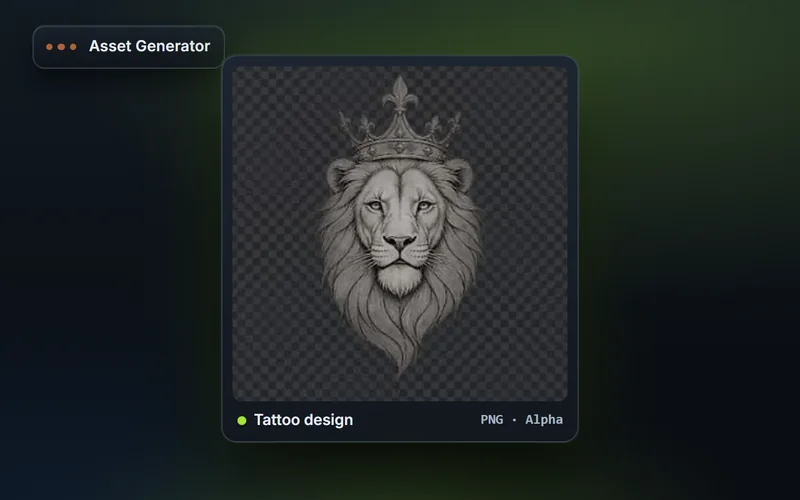
Generate FiveM inventory icons in fixed sizes with snippets for ox_inventory and qb-core, plus tattoo artwork, livery graphics, clothing templates and textures.
Explore features & workflow →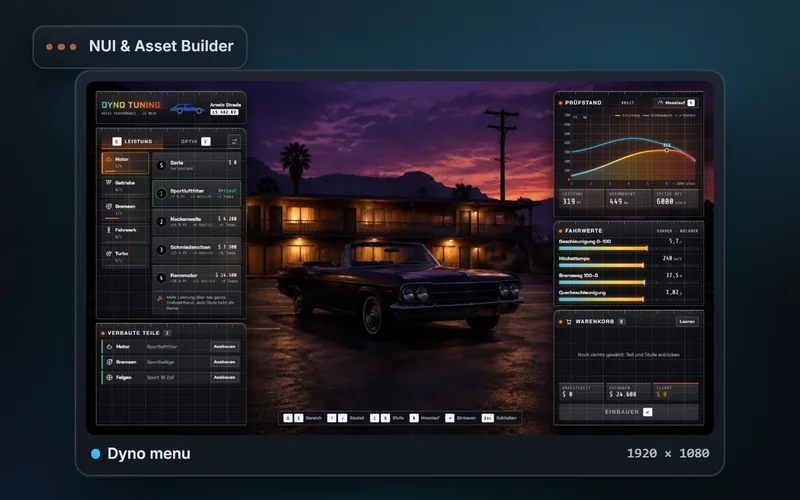
Design FiveM NUIs from templates or your own files: layers, building blocks, animations, an interactive preview with simulated callbacks and ZIP export.
Explore features & workflow →