New character from text or an image
Describe the character, age, clothing and attitude or upload a reference image. The AI drafts a view first and builds the model from it.
VelonLabs
FIVEM / PED & Tattoo Tool
A shopkeeper with a face of their own, a heist boss, a dog for the K9 unit: in the PED & Tattoo Tool a character starts from a description, a reference image or a base. Three modes share one session: PED Generator for body and face, Tattoo Creator for skin artwork and Animation Tool for custom emotes.

YOUR PROJECT
Describe the character, age, clothing and attitude or upload a reference image. The AI drafts a view first and builds the model from it.
Upload a front photo and fine-tune the face with shape sliders. Face profiles can be saved and blended.
Adjust skin tone, painted scars and body areas. Ask the assistant to make the character more muscular or older, for example.
Start with a male or female freemode base or an animal template such as a dog or cat, with a matching rig and sounds.
Upload artwork or design it with AI, then set position and size on the body. The result is a tattoo pack of its own.
Pick one of eight templates such as wave, salute or dance, or upload a short video. Motion is detected in the browser and refined on the timeline.
STEP BY STEP
Sign in with your VelonLabs account to use the editor. Saved projects and credit balance belong to your shared account.
Start with a freemode or animal base, an example, a reference image or a description. Import existing PEDs as a ZIP.
Tune face, skin, clothing and body with sliders or by asking the assistant.
Switch to Tattoo Creator or Animation Tool. Both work in the same session.
Download the add-on PED, the tattoo pack or the emote and check motion and fit on your test server.
RESULT
Your character as a FiveM resource.
Changes for freemode characters.
Your tattoos as a resource, free to export.
Custom emotes for your animation menu, free to export.
FAQ / PED & Tattoo Tool
You can use a front photo as a reference and adjust the face with sliders. Only use images you have the rights to.
With a freemode base the character stays clothing-compatible. You can also create it directly with an outfit from the Clothing Tool.
Exporting tattoo packs and emotes is free. Motion detection from video runs in the browser without credits. AI motifs and AI emotes are charged by actual usage; the amount shows with the request after the answer. A new AI character shows its price beside “Send” before it starts: the amount is only reserved, and the finished FiveM resource is charged.
Yes. Animal templates such as dog and cat come with a matching rig and sounds.
WORKS WELL WITH
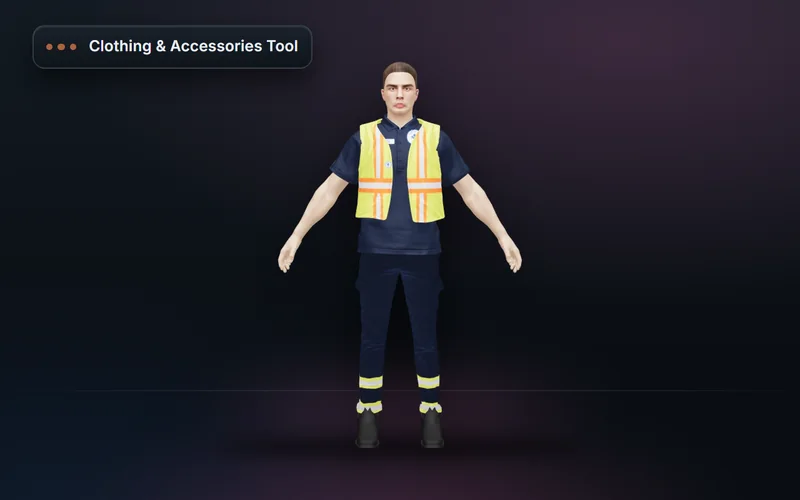
Build FiveM clothing packs from a base library or your own pack: outfits, accessories, AI designs, texture variants and a validated resource export.
Explore features & workflow →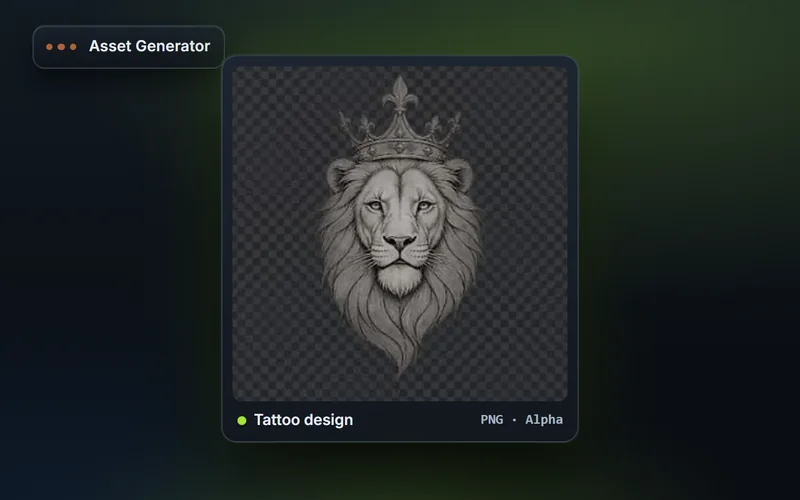
Generate FiveM inventory icons in fixed sizes with snippets for ox_inventory and qb-core, plus tattoo artwork, livery graphics, clothing templates and textures.
Explore features & workflow →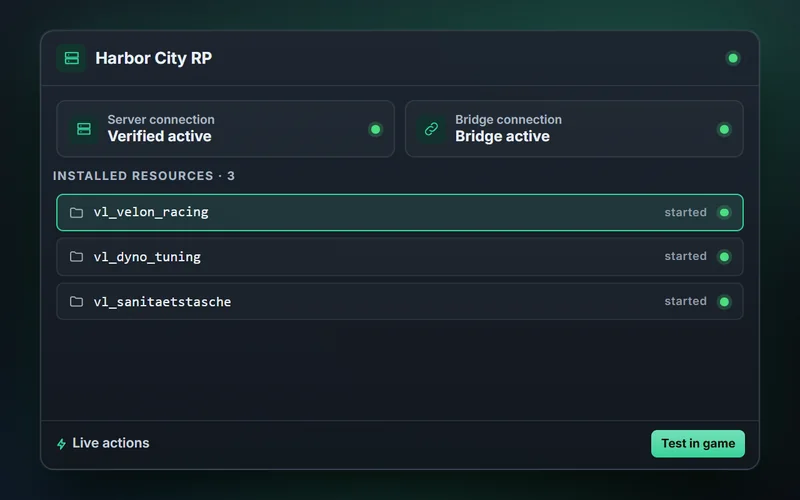
Transfer finished exports to your FiveM server, restart resources, test vehicles, outfits and props in game and run admin actions through the assistant.
Explore features & workflow →