A logo from your server name
Enter server name, tagline, monogram and motif. This becomes a word and image mark you can refine.
VelonLabs
FIVEM / Logo & Image Tool
Your server name as a bold 3D wordmark, an animated Discord banner, a header for the server list: in the Logo & Image Tool you start with a name, tagline and motif. Looks, backgrounds and stage lighting set the style, a timeline adds motion. For image editing, switch to the Image Tool in the same session.

YOUR PROJECT
Enter server name, tagline, monogram and motif. This becomes a word and image mark you can refine.
Choose from looks and backgrounds, give letters depth and material, and match light and atmosphere to your branding.
Animate logo and background with keyframes in a clean loop. Add your own clips as a layer.
Pick presets for Discord, the FiveM server list, TeamSpeak, social media and business, and check framing and legibility per format.
Arrange type, symbols and effects in layers and groups and save the project as a template.
Send the logo to the Image Tool to design flyers, announcements or store graphics with it.
STEP BY STEP
Sign in with your VelonLabs account to use the editor. Saved projects and credit balance belong to your shared account.
Enter server name, tagline, monogram and motif, then pick a format.
Set material, background and light, and adjust layers.
Add motion on the timeline and check the loop.
Download as PNG, GIF or MP4 with an adjustable file size, or send it to the Image Tool.
RESULT
Logos and banners at full resolution.
Animated banners with an adjustable file size.
Save the design and reuse it as a template.
For flyers and further graphics.
FAQ / Logo & Image Tool
Discord, the FiveM server list, TeamSpeak, social media and business: 17 format presets in total.
Yes. The keyframe timeline moves logo, layers and background. Export as GIF or MP4.
Yes. Sessions stay in your history, and you can also save the project as a file.
In the Image Tool, available as a second mode in the same session.
WORKS WELL WITH
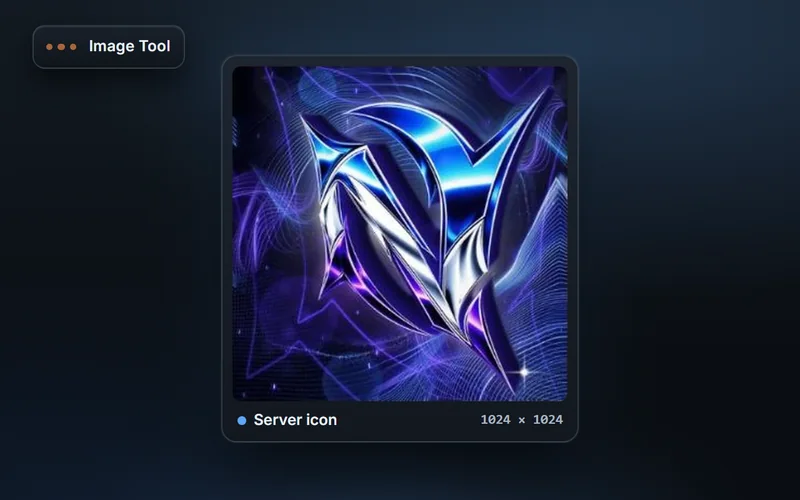
Design FiveM graphics in layers: flyers, Discord announcements, server list and store images from templates, with AI images and hand-off to other editors.
Explore features & workflow →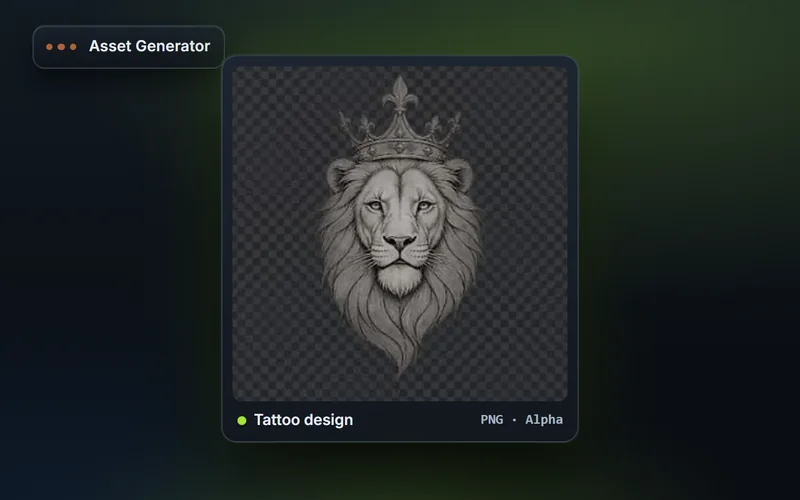
Generate FiveM inventory icons in fixed sizes with snippets for ox_inventory and qb-core, plus tattoo artwork, livery graphics, clothing templates and textures.
Explore features & workflow →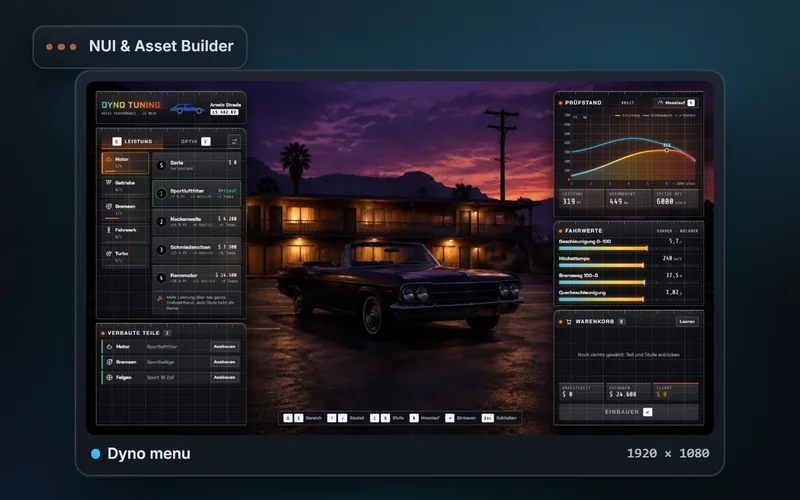
Design FiveM NUIs from templates or your own files: layers, building blocks, animations, an interactive preview with simulated callbacks and ZIP export.
Explore features & workflow →