Connect your server once
Connect over SSH without root and install the game bridge. A pairing code does the rest.
VelonLabs
FIVEM / VelonLabs Control
A finished vehicle, a clothing pack or a new script needs to reach the test server: with VelonLabs Control you connect your FiveM server once and take exports from every editor across in a few clicks. Start resources, test results in game and see what happens on the server.

YOUR PROJECT
Connect over SSH without root and install the game bridge. A pairing code does the rest.
Under “Cloud & Projects”, pick saved sessions from your editors and transfer them to the server.
Transfer, verify, enable, start and stop resources and restart the server when needed.
Test a PED as the player model, try on outfits, spawn vehicles and test props, or open a NUI in game.
Find players, teleport them or disconnect them, with coordinates to copy.
Describe the action and the assistant prepares it. Every server action needs your approval.
STEP BY STEP
Sign in with your VelonLabs account to use the editor. Saved projects and credit balance belong to your shared account.
Add SSH access, install the bridge and confirm with the pairing code.
Select a saved session with a finished export.
Transfer, enable and start the resource.
Use the test functions to confirm everything looks and works as planned.
RESULT
Transferred, verified and started on your server.
PED, outfit, vehicle, props and NUI in game.
Console with the bridge history.
FAQ / VelonLabs Control
No. The connection uses an SSH account without root.
Saved sessions from the VelonLabs editors, such as vehicles, clothing, PEDs, props and NUIs.
It prepares actions. They run only after your approval.
Starter and above.
WORKS WELL WITH
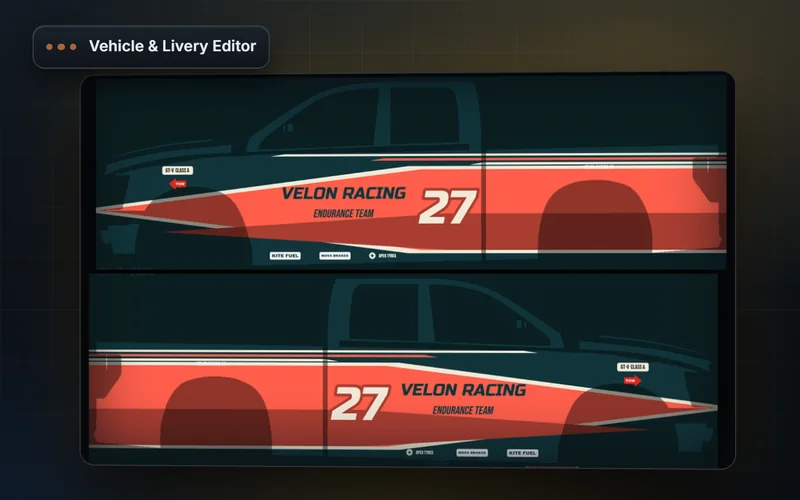
Design FiveM liveries on UV templates. Edit vehicle parts, glow, props, sirens, engine sounds, stance and handling in your browser.
Explore features & workflow →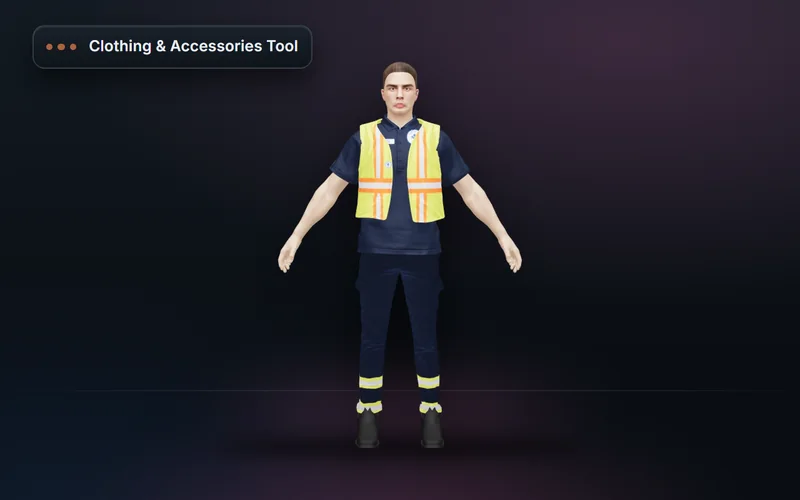
Build FiveM clothing packs from a base library or your own pack: outfits, accessories, AI designs, texture variants and a validated resource export.
Explore features & workflow →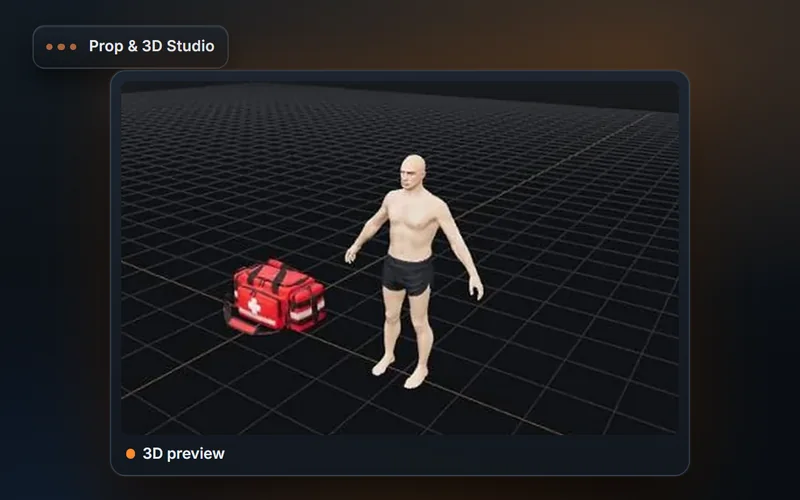
Create FiveM props from text, a reference image or your own GLB. Set scale, materials, collision, LOD and character attachment, then export a resource.
Explore features & workflow →